
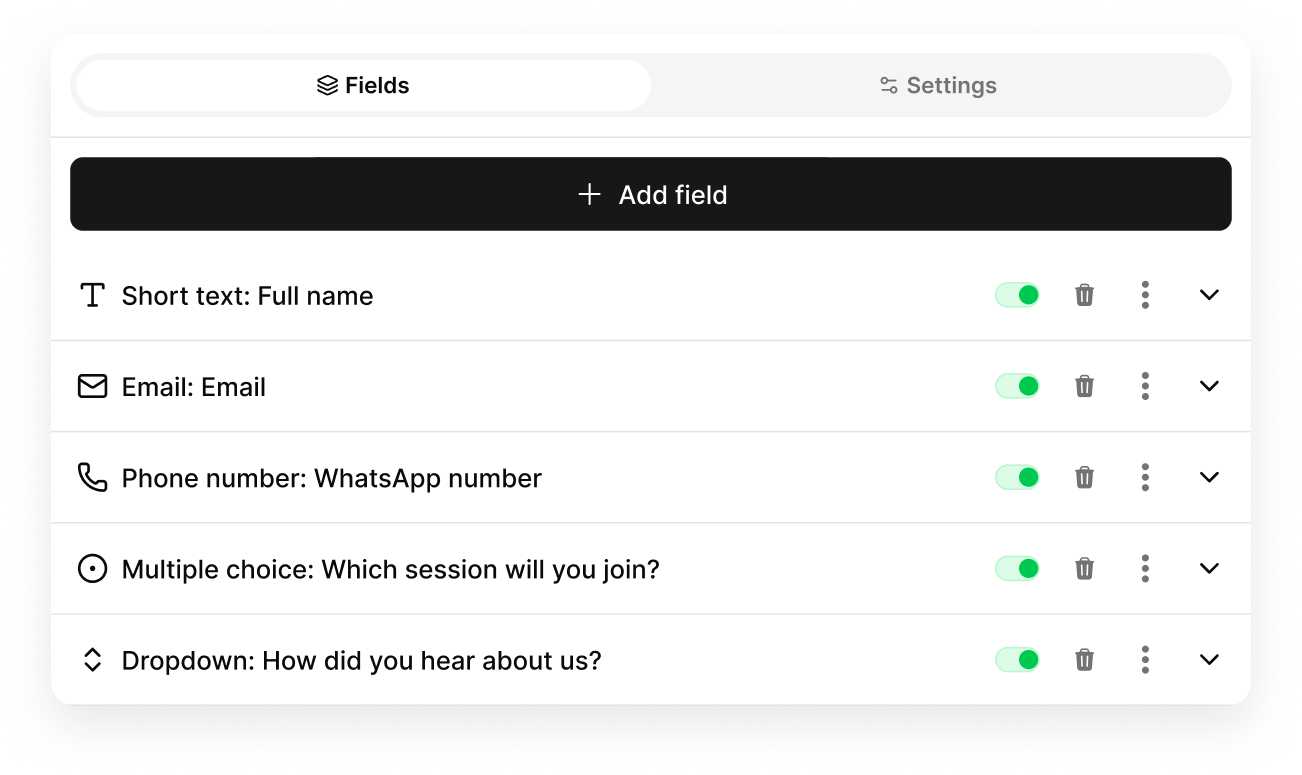
Add fields, see the form
Drag fields to reorder, switch them on or off, and mark what is required.
Forms
Build a form, publish it on an s.id link, or embed it in a microsite. Every response lands in one table you can filter and export.

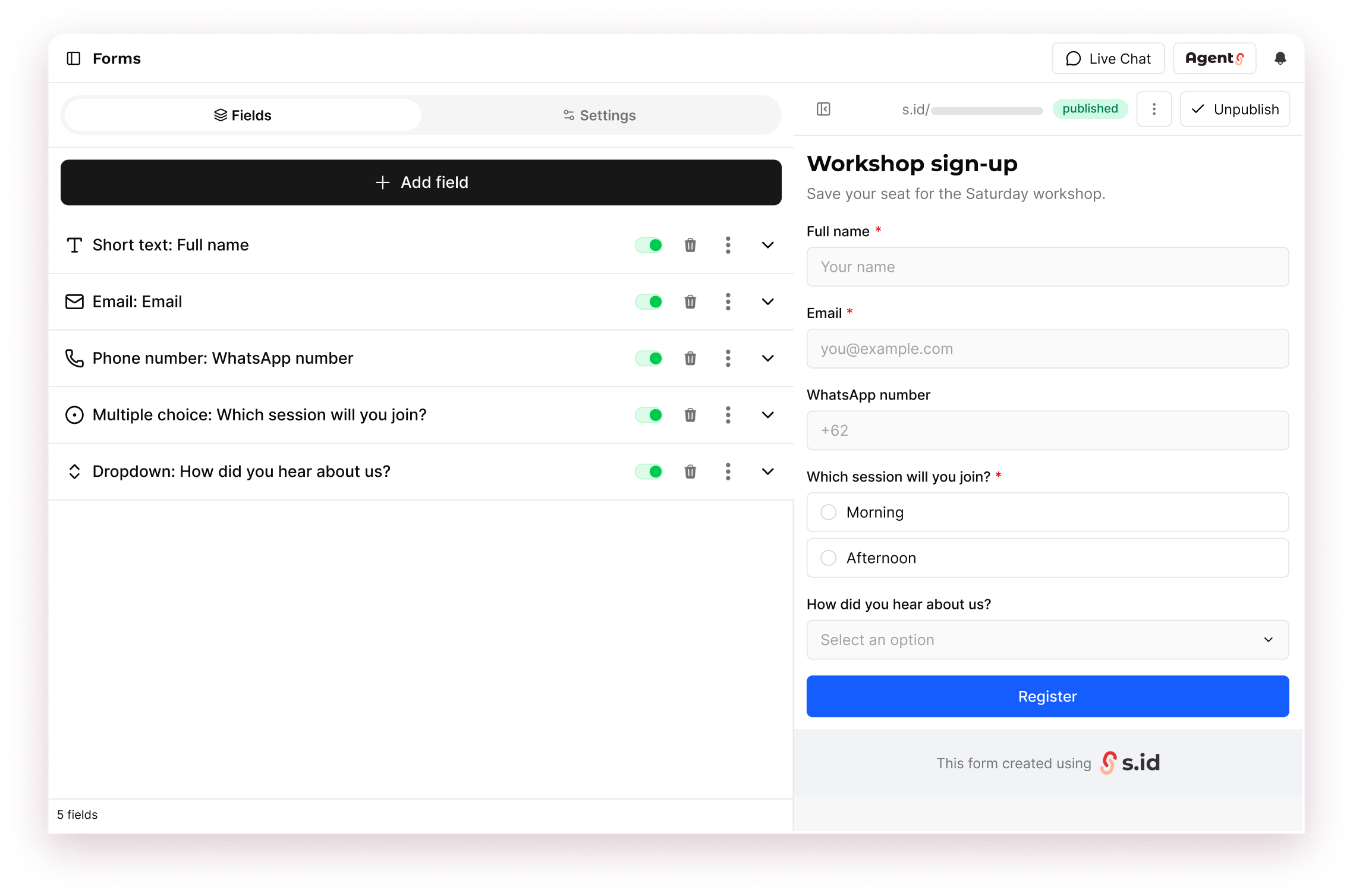
Forms is the form builder in your s.id dashboard. Add fields, preview as you go, and publish when it is ready.
People answer on the form link or inside your microsite. You review responses, views, and conversion from the same dashboard.
The number of forms, responses, and advanced options such as webhooks and XLSX export follow your plan.
Everything for a form sits next to your links and microsites.
Drag fields to reorder, switch them on or off, and mark what is required.
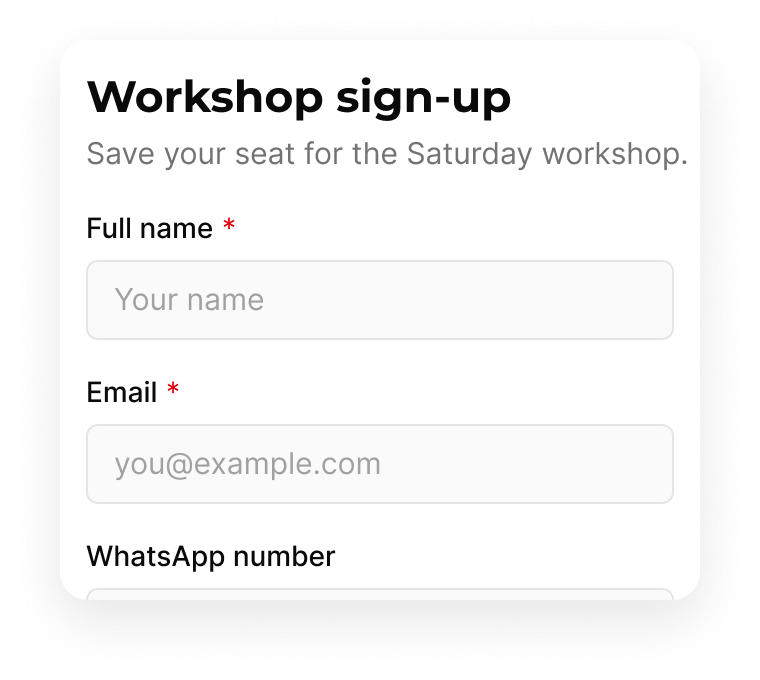
Check the form as respondents will see it before you publish.
From short text to ratings, dates, and file uploads.
Share s.id/[your-form] as a link or QR code.
Show it inline, or open it from a button on your page.
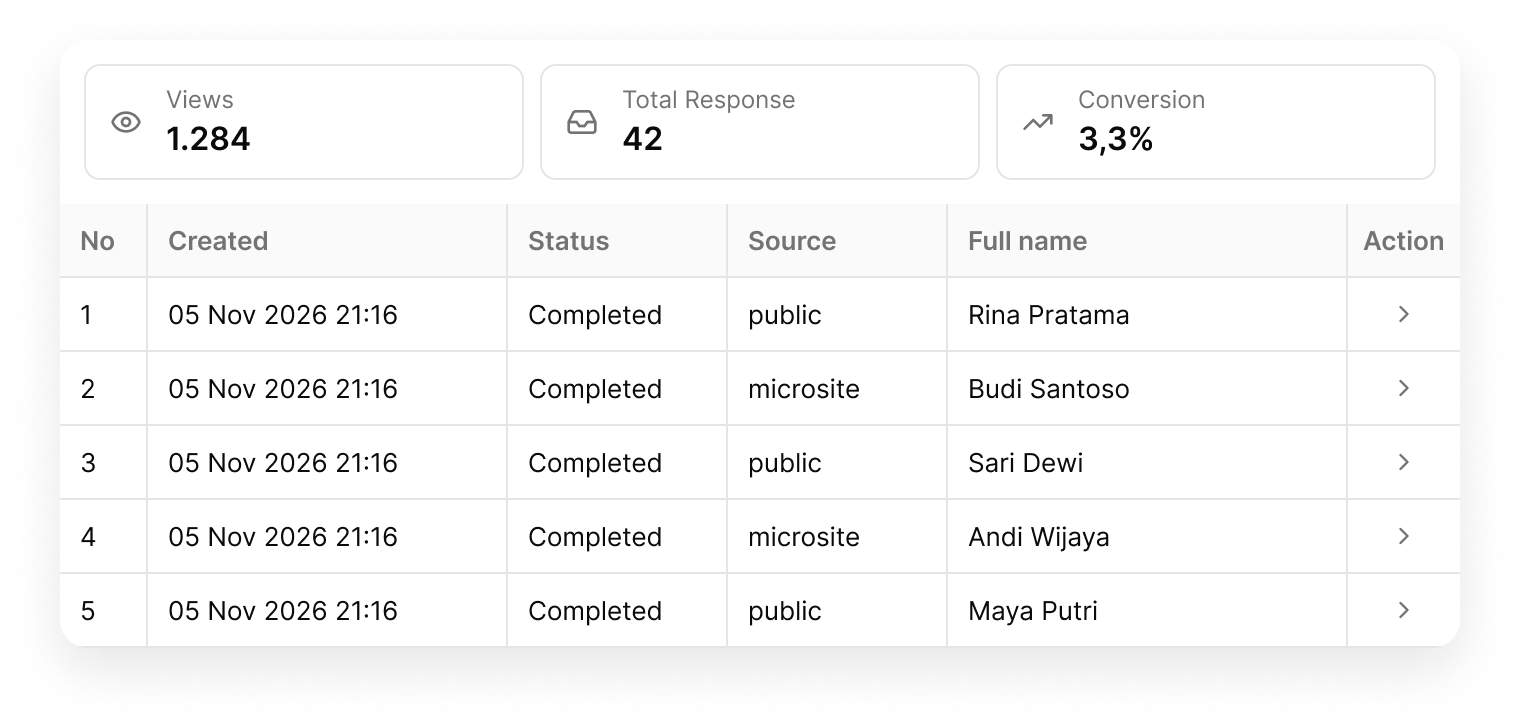
See visits, responses, and conversion, then search or filter by date.
created,status,source,full_name
2026-11-05 21:16,completed,public,Rina Pratama
2026-11-05 21:18,completed,microsite,Budi Santoso
2026-11-05 21:22,completed,public,Sari Dewi
Download the table as CSV. XLSX depends on your plan.
Email yourself on new submissions, require a captcha, or send responses to a webhook.
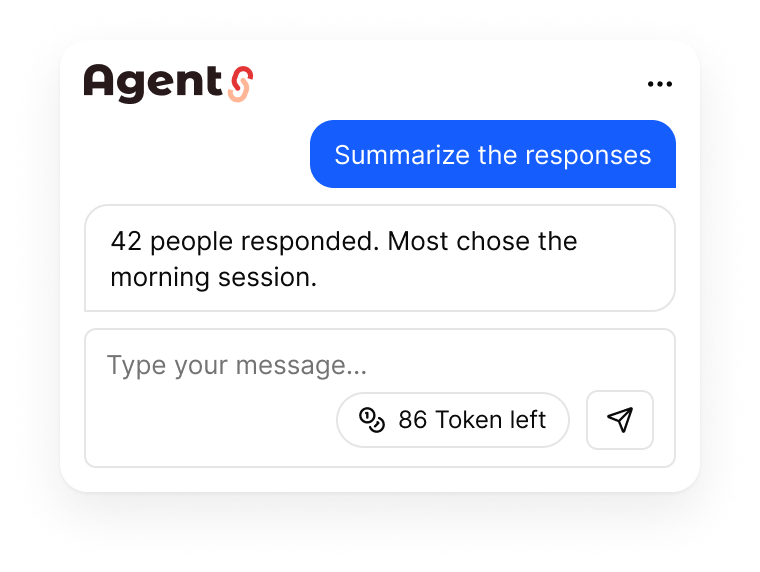
Create a form in chat, then ask for a summary of the responses.
Start with a blank form and publish when it is ready.
Add a title and description, then choose the fields you need.
Share the link or QR code, or embed the form in a microsite.
Review each response, then filter or export the table.
Still stuck? Talk to the team at helpdesk@s.id.
Limits and advanced options depend on your plan.