Do I need an account to create a microsite?
Yes. You need an s.id account to create and update a microsite.

Organize text, images, videos, and references on one page that can be shared with a lecturer or classmates.
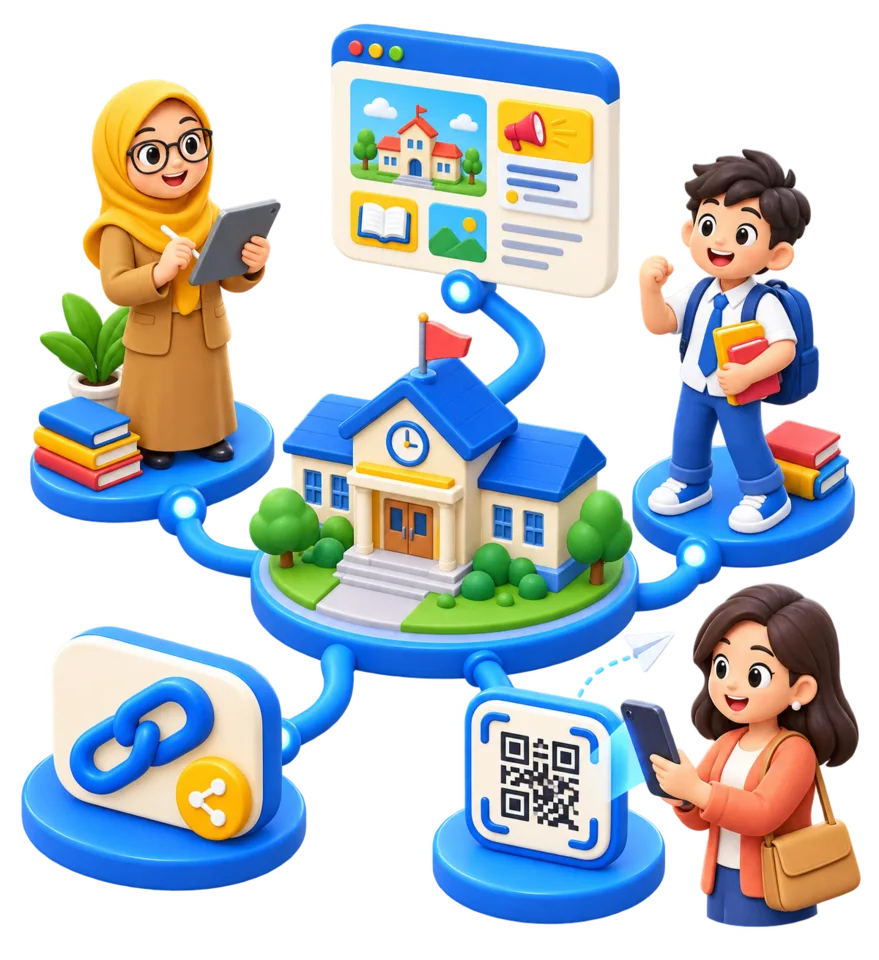
s.id account required
No coding
Updatable content
Quotas follow the plan
No coding required
Easy to submit to a lecturer
Content can be updated
A Free plan is available for basic features
Project presentation
Course portfolio
Activity report
Learning resource collection
Register or sign in to s.id, then open the Microsite feature.
Outline the title, summary, main sections, and sources before adding components.
Insert text, images, videos, and reference links with appropriate attribution.
Check the mobile layout and every link, then share the URL with your lecturer or class.
Yes. You need an s.id account to create and update a microsite.
The Free plan is available for trying basic features. Component quotas and advanced features depend on the selected plan.
Continue with a guide that best matches your next task.
Microsite
Combine course resources, announcements, references, and assignment links in one microsite that is easy to update and share.
Read GuideMicrosite
Combine a CV, portfolio, projects, LinkedIn, GitHub, and professional contacts in one easy-to-share student microsite.
Read GuideShortener
Shorten a repository URL for a thesis, journal article, or academic work so it is easy to share in presentations, posters, and QR Codes.
Read GuideTry the Free plan to create your first page or link. Quotas and advanced features depend on the plan you choose.
Sign Up and Try Free