Monitor every link's performance
Review visit counts and the audience data available in your plan to evaluate campaigns more clearly.
Explore Analytics
Turn long URLs into clean s.id links for WhatsApp, Instagram, TikTok, invitations, and campaigns. Monitor performance from one dashboard.
Create cleaner links, control access, and understand performance with the features available in your plan.
Review visit counts and the audience data available in your plan to evaluate campaigns more clearly.
Explore AnalyticsUse every s.id link with a QR Code so people can scan it from posters, packaging, menus, or printed materials.
Create and manage QR Codes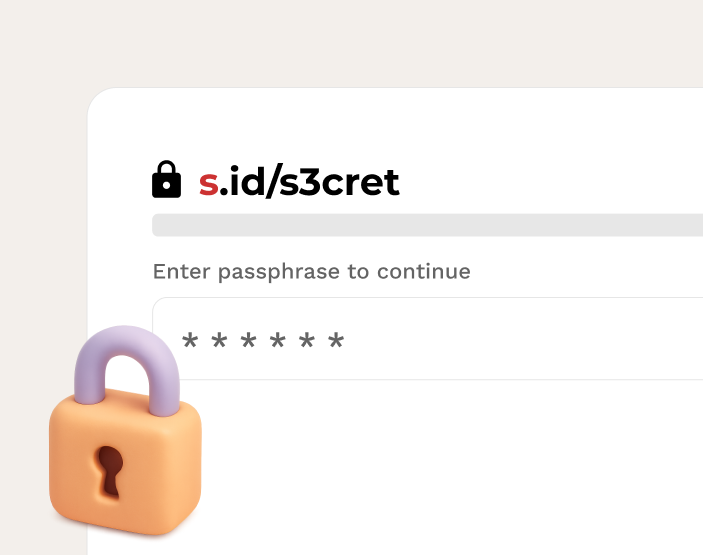
Protect selected links so only people with the password can open them. Availability depends on your plan.
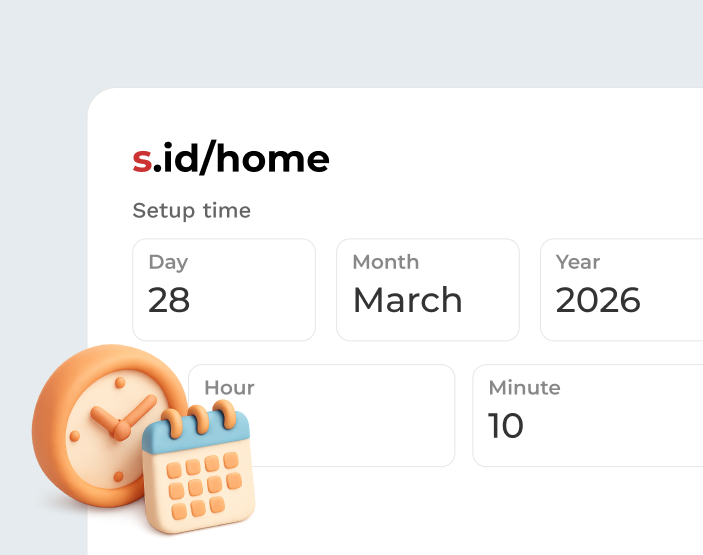
Choose when a link can be accessed or expires for promotions, events, and time-limited content.

By default, links do not have an automatic expiration date. You can still control access using the features available in your plan.
A link shortener turns a long URL into a compact link that is easier to share, type, and remember. For example, a long address can become a link such as s.id/yourname.
With s.id, you can also use custom aliases, control access, and view analytics according to the features and limits in your selected plan.
The Free plan has no subscription fee or time limit. Link creation and advanced features still follow the limits of each plan.
Use the link shortener and core features without a subscription fee. Link creation limits are shown on the plan page.
Basic analytics are available according to your plan, while details, date ranges, retention, and exports can vary by plan.
Compare limits, custom aliases, link controls, and analytics features before choosing a subscription.
Create a short link directly from this page in four simple steps.
Enter a product page, Google Form, invitation, or any other URL in the link shortener field.
s.id creates a compact link after verification is complete.
Share the short link through WhatsApp, Instagram, TikTok, email, print materials, or other channels.
Use the dashboard to manage links and review the analytics available in your plan.
Clear answers before you create your first short link.
Paste a long URL in the field above, then select Shorten. After verification, you can immediately copy and share the s.id link without installing an app.
Shorten URLs for free with s.id. The best free link shortener for businesses and creators. Features comprehensive click analytics.
Learn MorePerfect for online sellers. Create short links for your products on e-commerce platforms and social media. Track which platform drives the most sales and
Learn MoreCreate trackable short links for your WhatsApp marketing campaigns. Perfect for businesses using WA for sales.
Learn MoreShorten long WhatsApp links into short, shareable URLs. Free, no sign-up, instant. Perfect for WA broadcasts, status updates, and group chats.
Learn MoreLearn how to shorten links easily with s.id. Step-by-step guide for shortening URLs on mobile or laptop. Free, fast, no sign-up required.
Learn MoreOptimize your TikTok Shop bio link. Track clicks and increase sales. Use a branded short link to send viewers directly to your top-selling products.
Learn MoreMore guides you might need
Route visitors by device, country, browser language, or time, without replacing the link you already shared.
Paste your URL, create an s.id link, and share it through any channel.
Free plan with no time limit • Limits follow your plan • Upgrade as needed