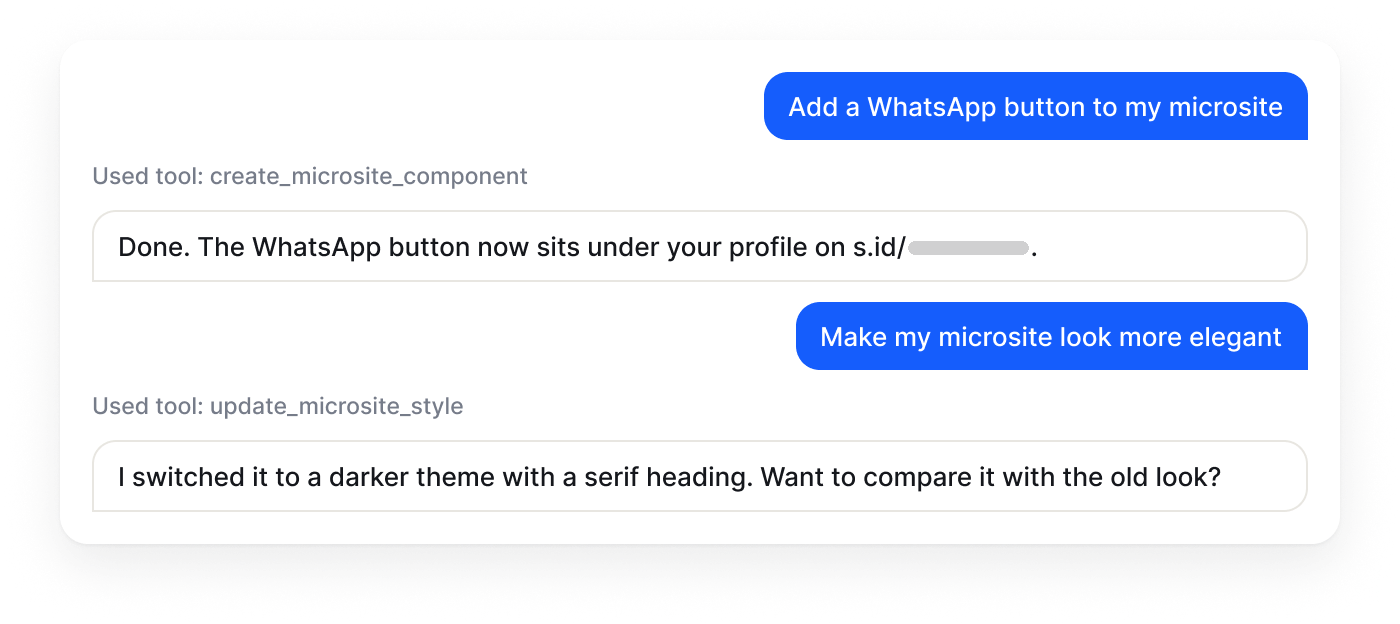
Ask, then ask for changes
Shorten a URL, add a WhatsApp button to a microsite, or change the page style. The tools used are shown in the chat.

AI Assistant
 does it.
AgentS is the chat assistant in the s.id dashboard. Ask it to create a link, build a microsite, or check visit numbers, and it does the work directly in your account.

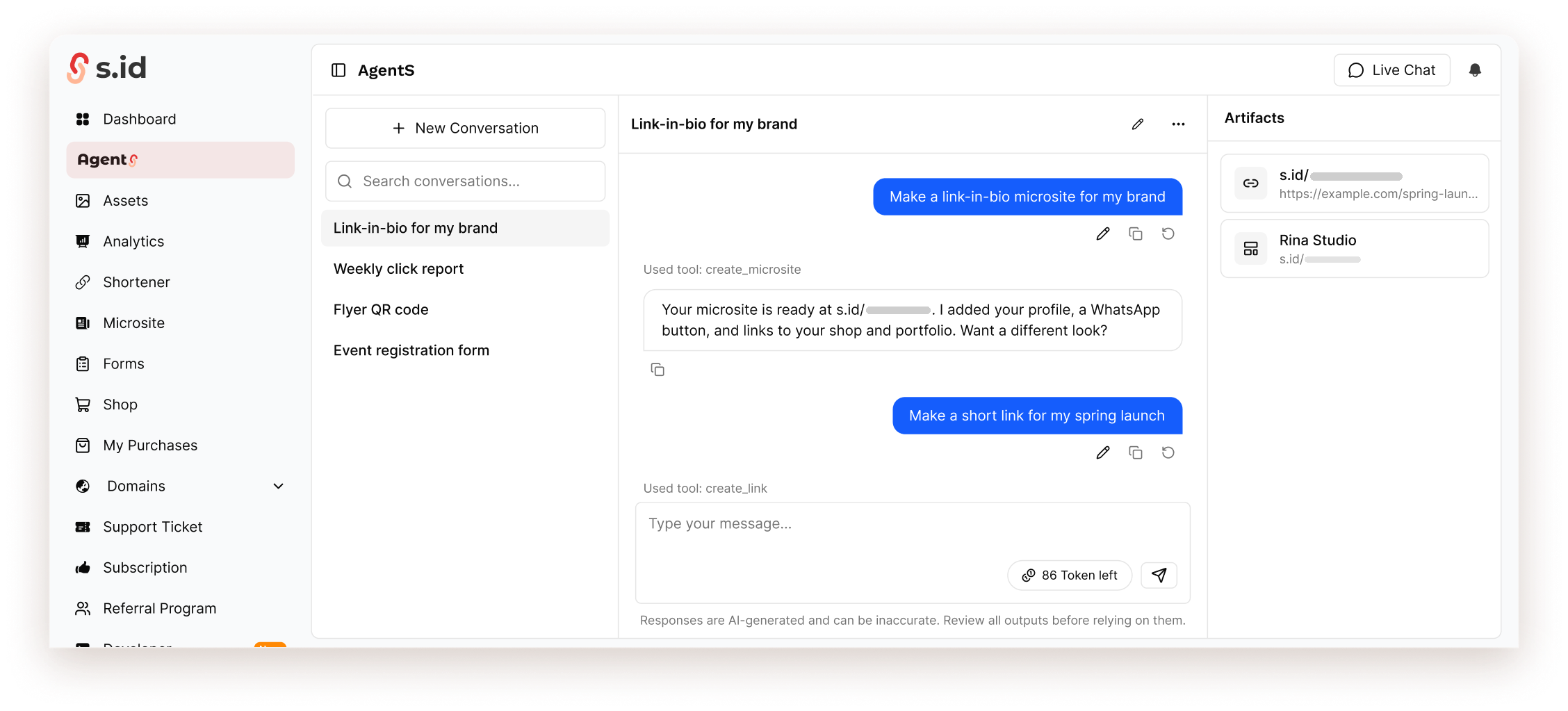
AgentS is the AI assistant inside the s.id dashboard. Write what you want in everyday language, and it uses the same tools as your account: links, QR Codes, microsites, forms, images, shop, and analytics.
The chat shows which tool is used at each step. Results appear in the Artifacts panel, ready to open and edit.
Answers are generated by AI and can be wrong. Review the results before you use them.
Open it from any dashboard page. AgentS suggests prompts that match the page you are on.
Shorten a URL, add a WhatsApp button to a microsite, or change the page style. The tools used are shown in the chat.
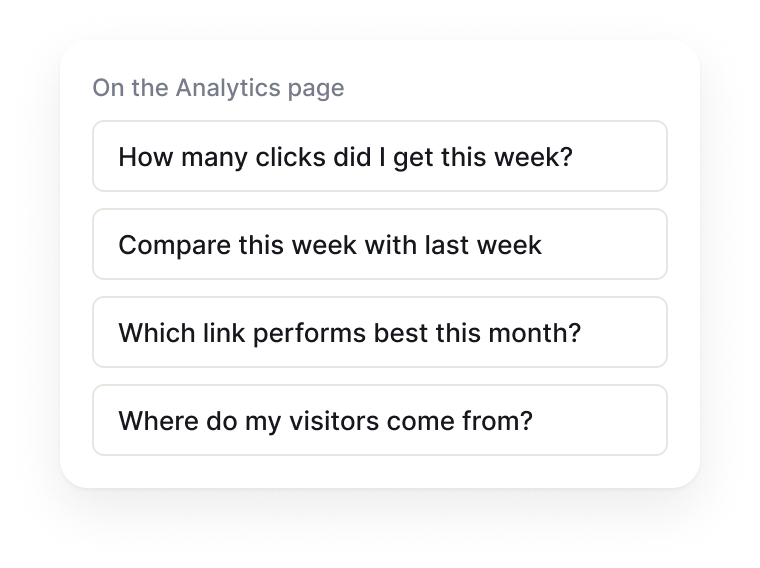
On Analytics it suggests questions about clicks. On Shop, questions about sales and reviews.
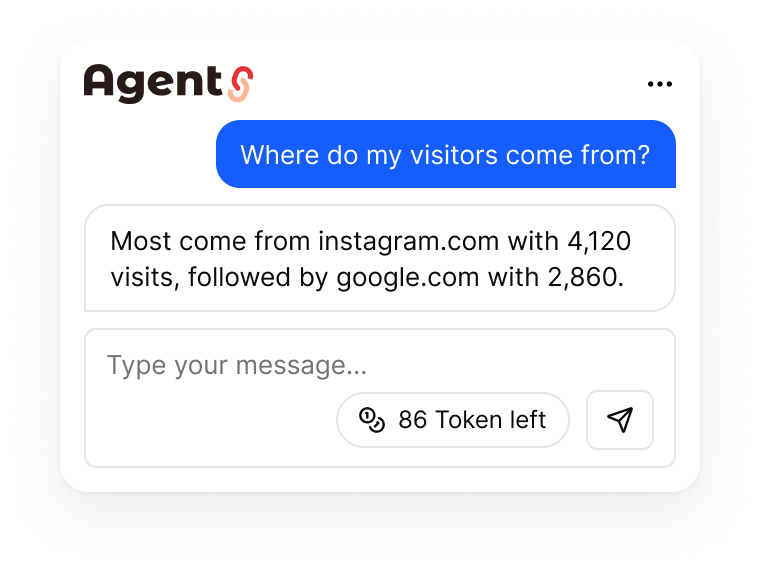
Clicks this week, the best link, or where visitors come from, answered right in the chat.
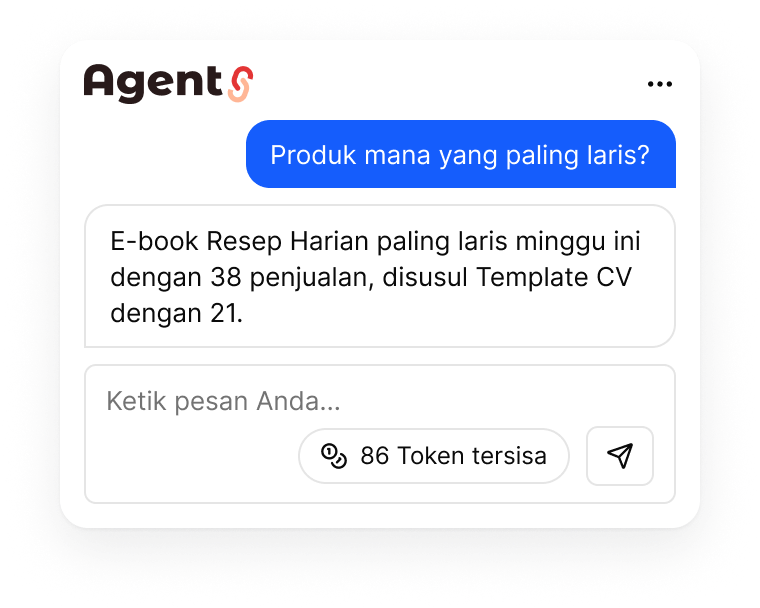
Ask about this week's sales, best-selling products, or ask for a summary of the latest reviews.
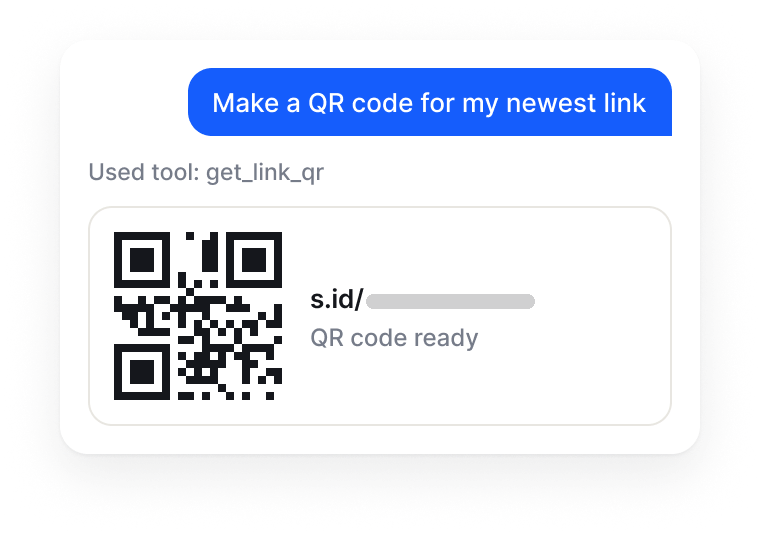
Ask for a QR Code for a new or existing link, then download it for printing.
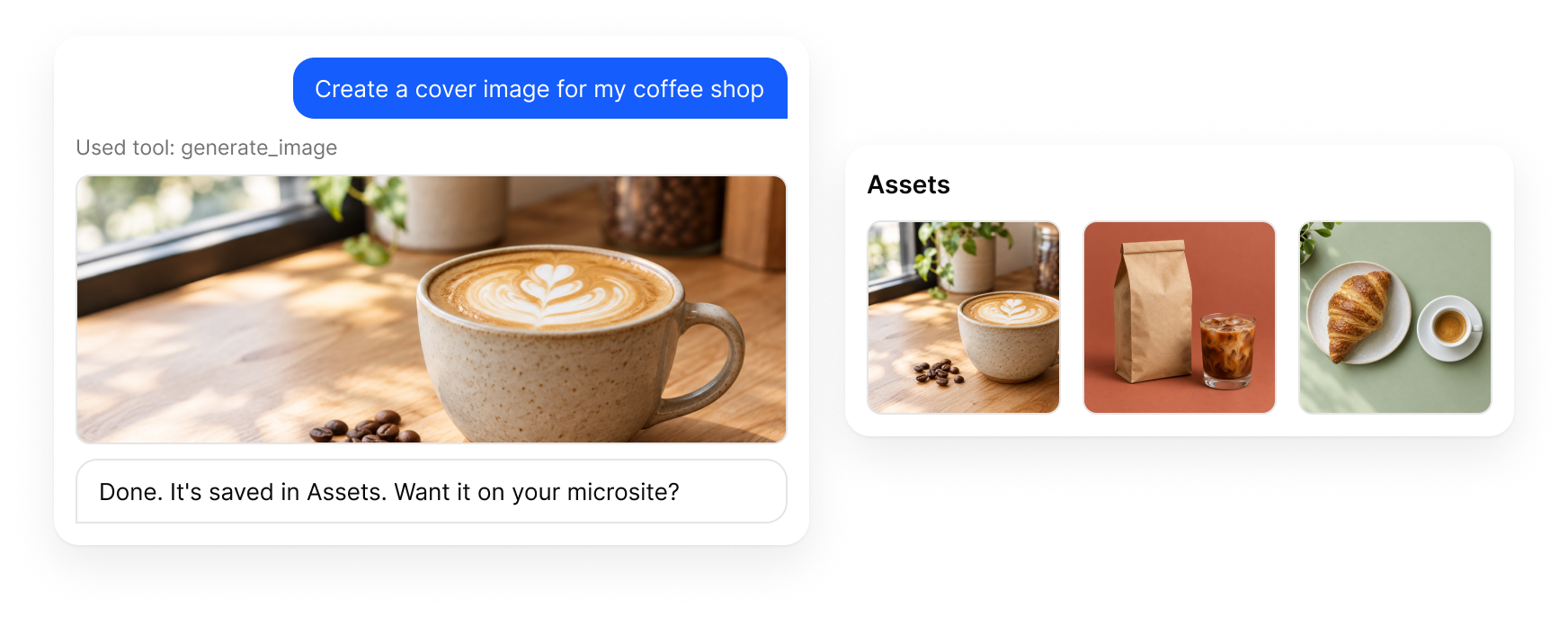
Describe the image you want. AgentS saves it to Assets and can place it on a microsite. Available on paid plans.
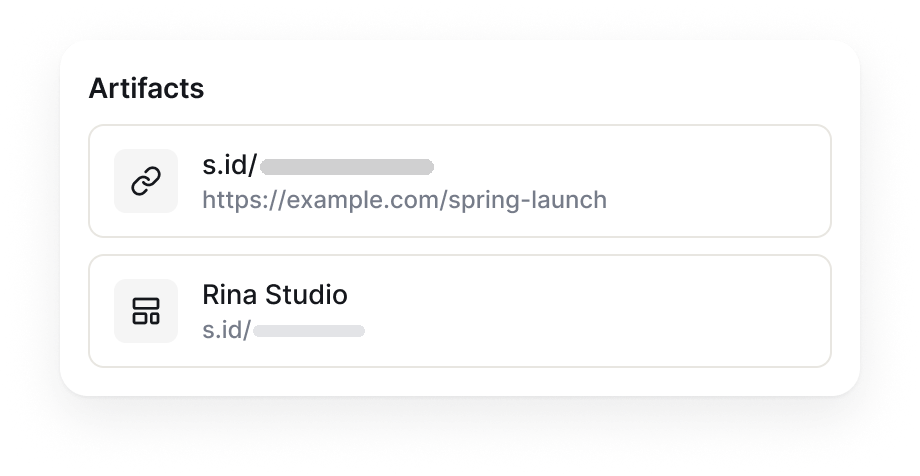
Microsites, forms, and links from a conversation are saved in Artifacts, one click away from the editor.
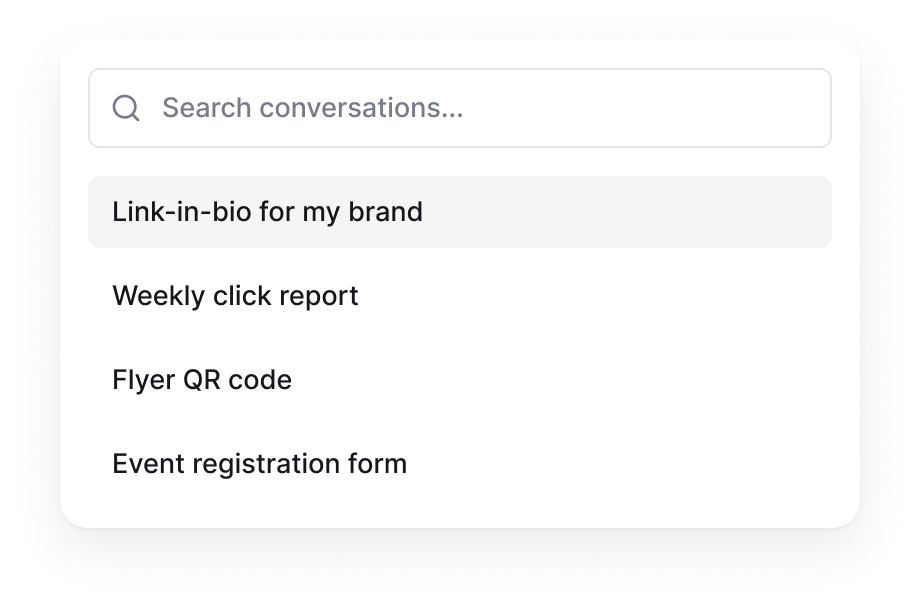
Your conversations are saved in a list you can search, rename, or delete.
No setup needed. AgentS is already connected to your account.
It is in the dashboard menu, or use the Agent button in the top bar of other pages.
Use your own words, or pick one of the example prompts.
Open the result from Artifacts, then ask for changes if needed.
Still unsure? Ask our team at helpdesk@s.id.
The Free plan includes AI Tokens. AI answers can be wrong, so check the results.